
5 Best Iris AI Alternatives and Competitors in 2026
Discover top Iris AI competitors, compare features, pricing, and use cases, and find the best proposal software alternative for your team.

Co-founder & CEO, AutoRFP.ai·Updated ·11 min read
Maybe you tried Iris AI for a while and realized it does not cover enough use cases, does not plug cleanly into your existing workflow, or produces responses you do not fully trust without heavy editing.
Those limits are often the point where teams move from “we have something” to “we need the right thing.”
In this guide, we will walk through 5 of the best Iris AI alternatives and competitors, comparing features, pricing, and real pros and cons. Teams weighing other AI RFP vendors, including Steerlab competitor options, face similar trade-offs on governance and library maintenance. If your evaluation also includes knowledge-automation vendors outside Iris, review a SiftHub comparison shortlist and alternatives to Tribble for RFP and questionnaire fit.
We will also dig into real customer reviews, which types of teams each option tends to suit best, and the main reasons teams consider moving away from Iris AI.
| Tool | Best for | Standout feature | Starting price |
|---|---|---|---|
| AutoRFP.ai | Enterprise RFP, DDQ, and security questionnaire automation | Semantic answer engine with go/no-go analysis and portal questionnaire support | $899/month |
| Loopio | Recurring RFP/RFI response workflows | Easy-to-use collaboration with a centralized answer library | $20,000/year |
| Responsive (RFPIO) | High-volume response management across teams | Strong workflow orchestration for complex review cycles | Contact sales |
| Qvidian | Enterprise proposal content management | Built-in Microsoft Office integration for secure, governed content reuse | Contact sales |
| 1up | Fast, low-cost AI questionnaire automation | Quick self-serve setup with free-trial-friendly onboarding | $300/month |
1. AutoRFP.ai
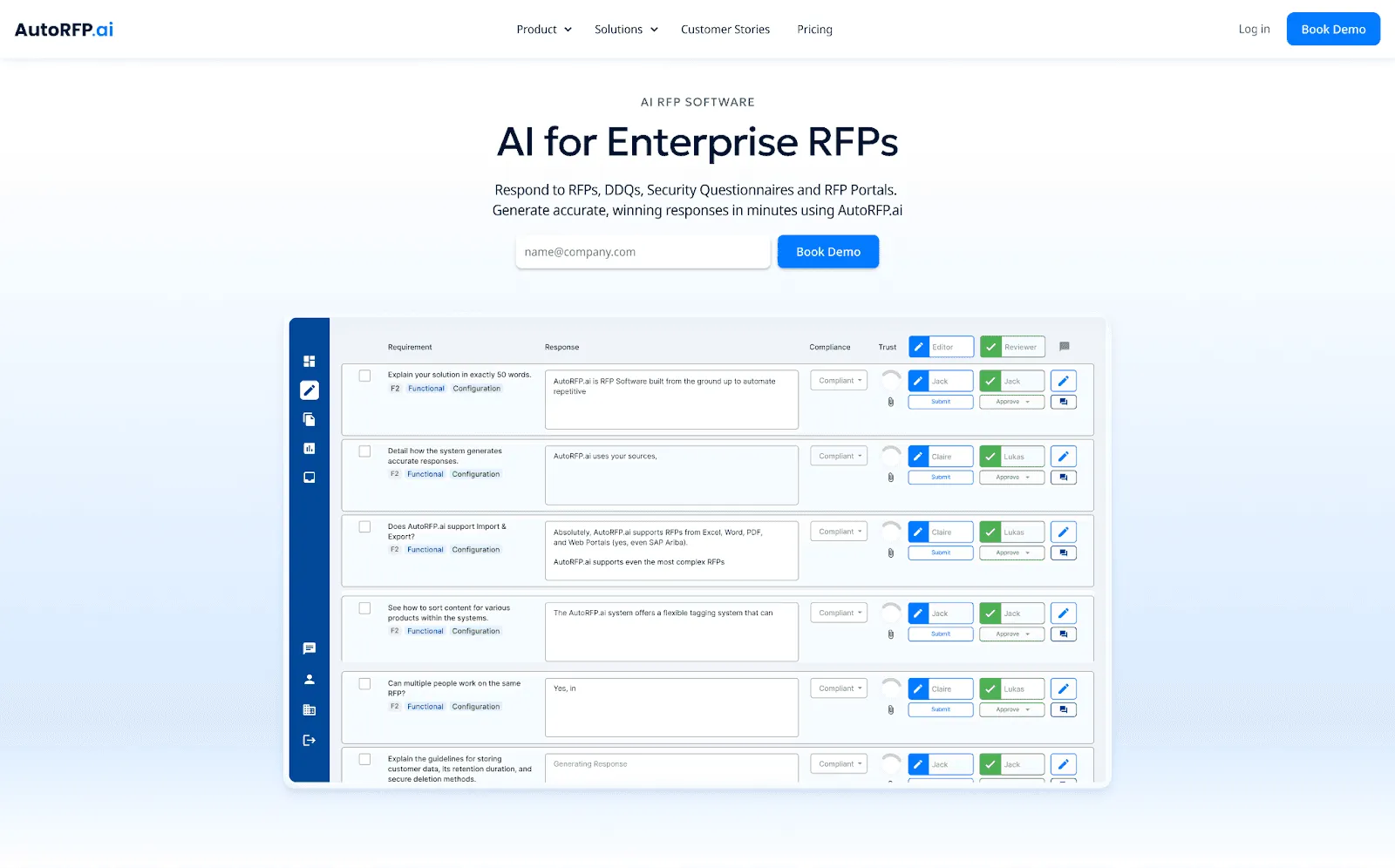
AutoRFP.ai is an AI RFP software built for enterprise teams that need to respond to RFPs, DDQs, and security questionnaires in minutes.
Unlike Iris AI, AutoRFP.ai offers a more complete feature set, including a self-updating library, RFP go/no-go analysis, an AI RFP Q&A chatbot, and a Chrome extension.
It delivers accurate answers with true semantic understanding, capturing meaning and context, not just keywords
Trusted by Fortune 500 companies and Silicon Valley unicorns, AutoRFP.ai helps teams draft responses faster, with up to 80% of answers usable as-is without edits.
Key Features
Here are the main features that make AutoRFP.ai stronger than Iris AI, especially when speed, accuracy, a complete toolset, and stable bug-free workflows matter.
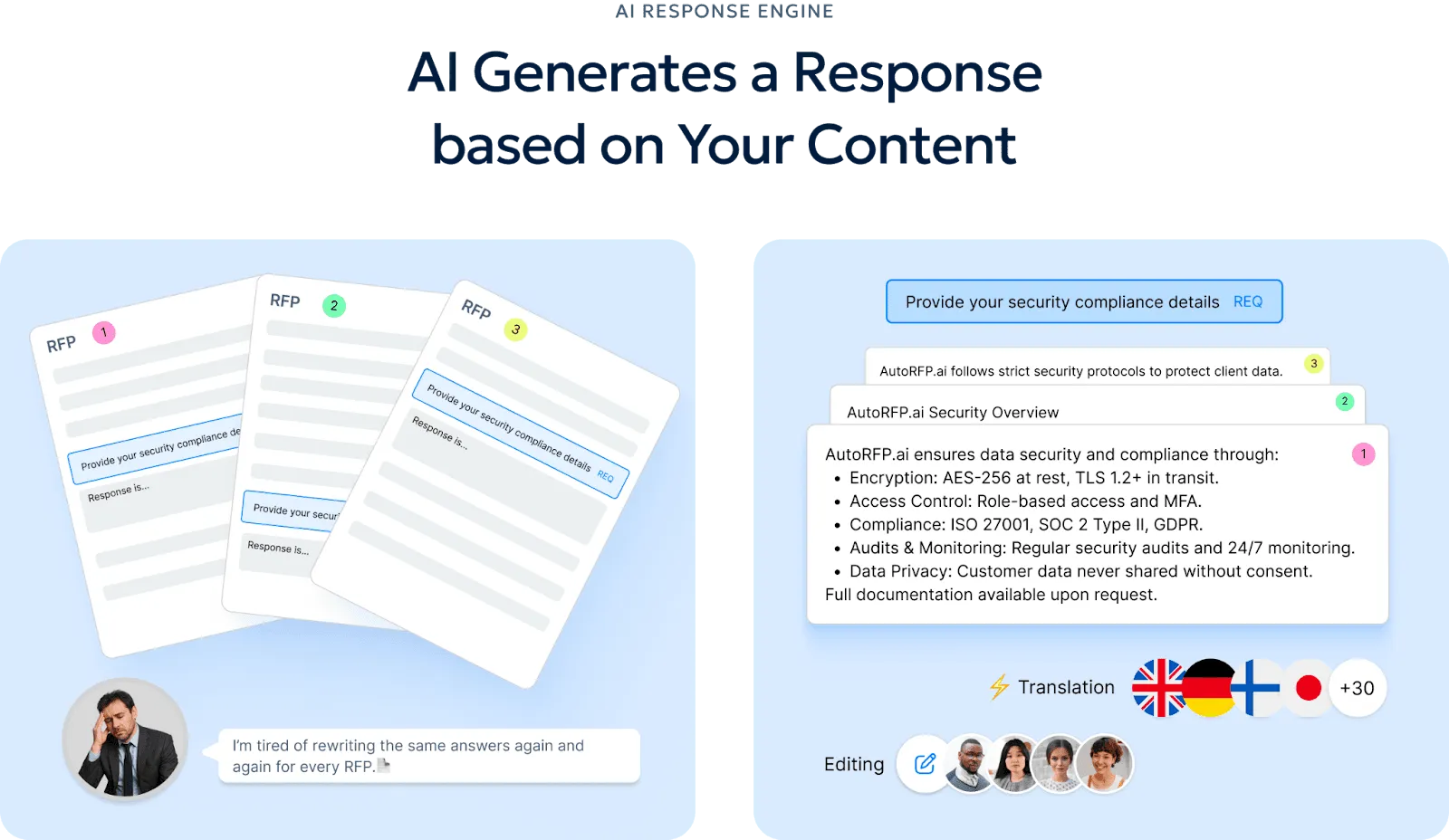
1. AI RFP Response Engine
AutoRFP.ai generates accurate, on-brand first drafts in seconds using your past winning responses, so your team can stop starting from scratch. It learns your company’s voice over time, helping every draft sound like your team, not a generic chatbot.
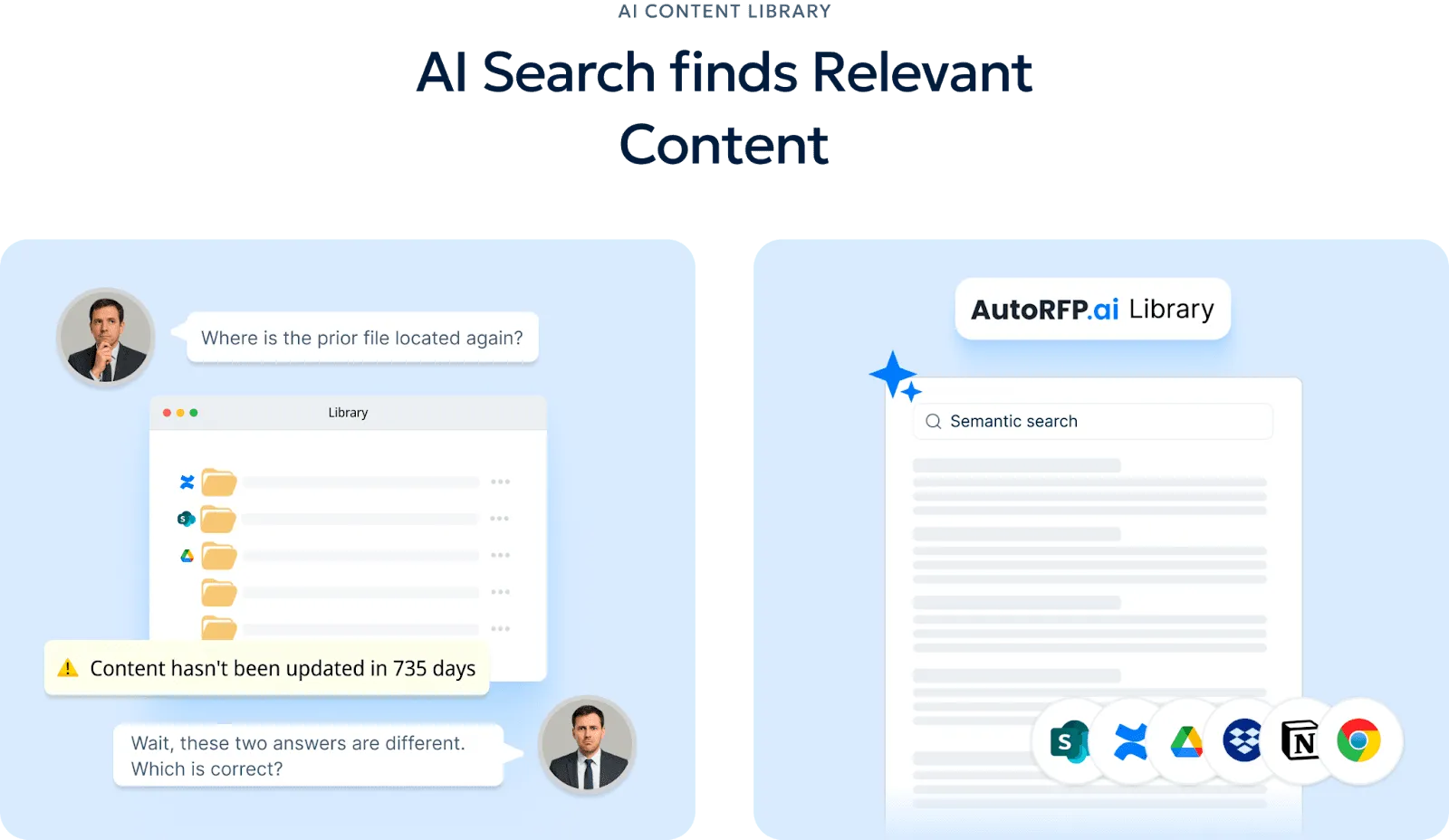
2. RFP Content Library
Every approved response is automatically categorized and added to a smarter library that improves with each RFP. Your team can search by meaning, not file names, so you get relevant answers even when the wording is different.
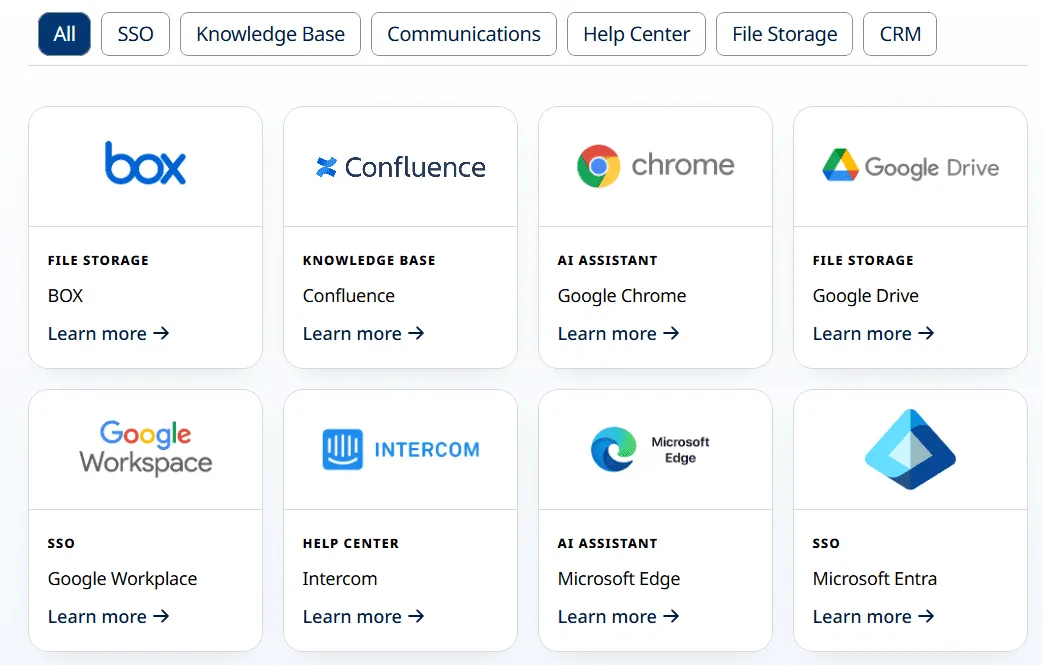
3. Broad Integrations
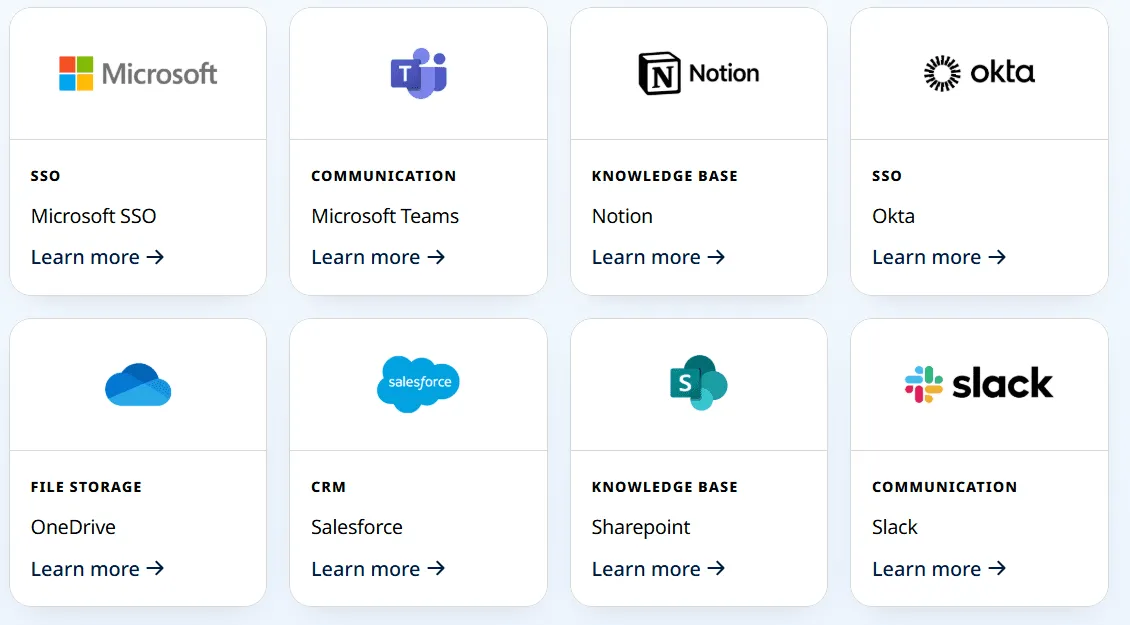
AutoRFP.ai integrates with around 16 tools, including SSO, knowledge bases, communication apps, help centers, file storage, and CRM systems, to keep your workflow aligned.
It supports tools like Google Drive, Confluence, Salesforce, Slack, and Teams, so teams can work without jumping between disconnected systems.
4. Answer Portal Questionnaires
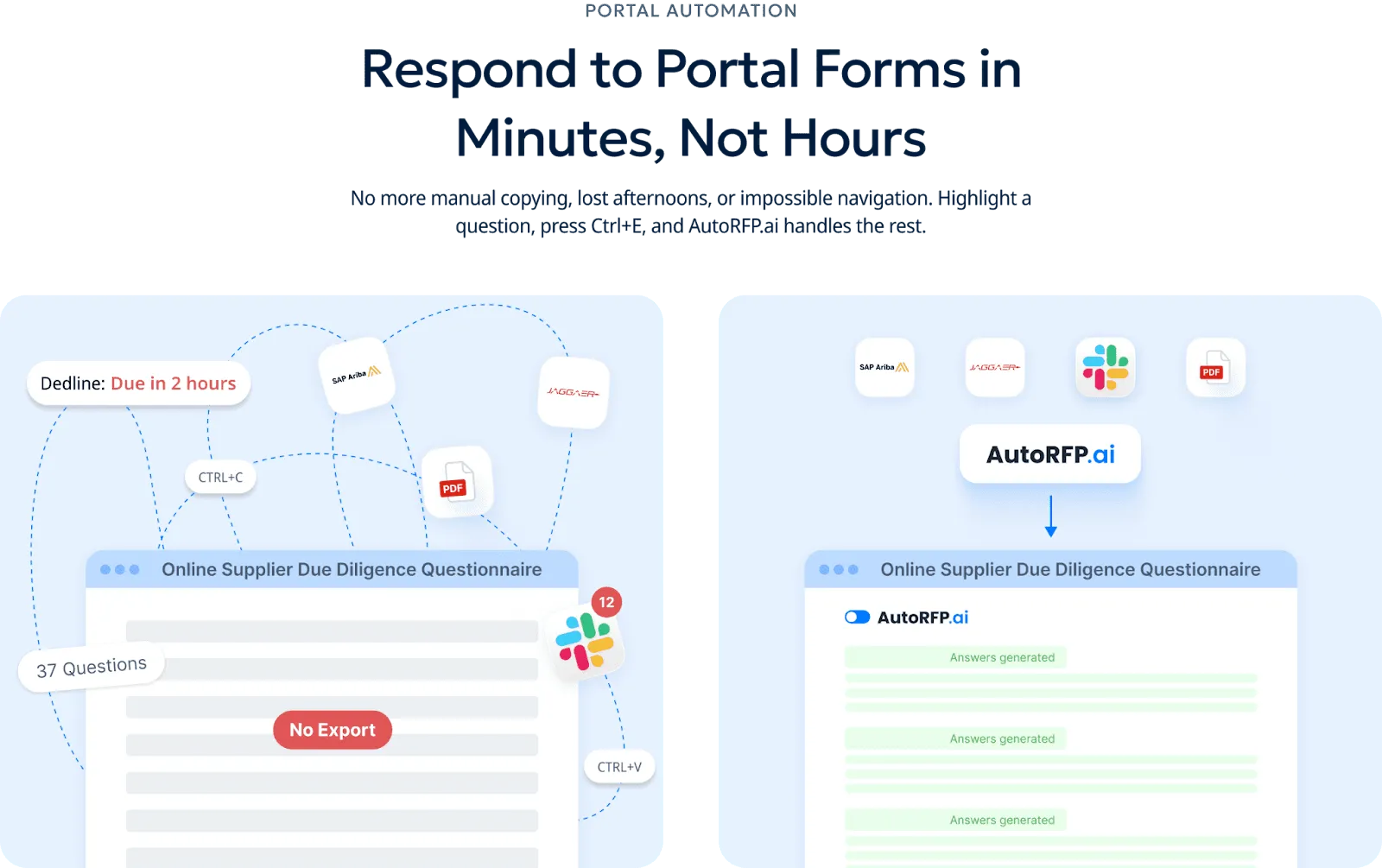
AutoRFP.ai scrapes questions from portal-based questionnaires, generates answers from your library, and exports them back automatically for platforms like Ariba, UpGuard, and Jaggaer.
5. ROI Report
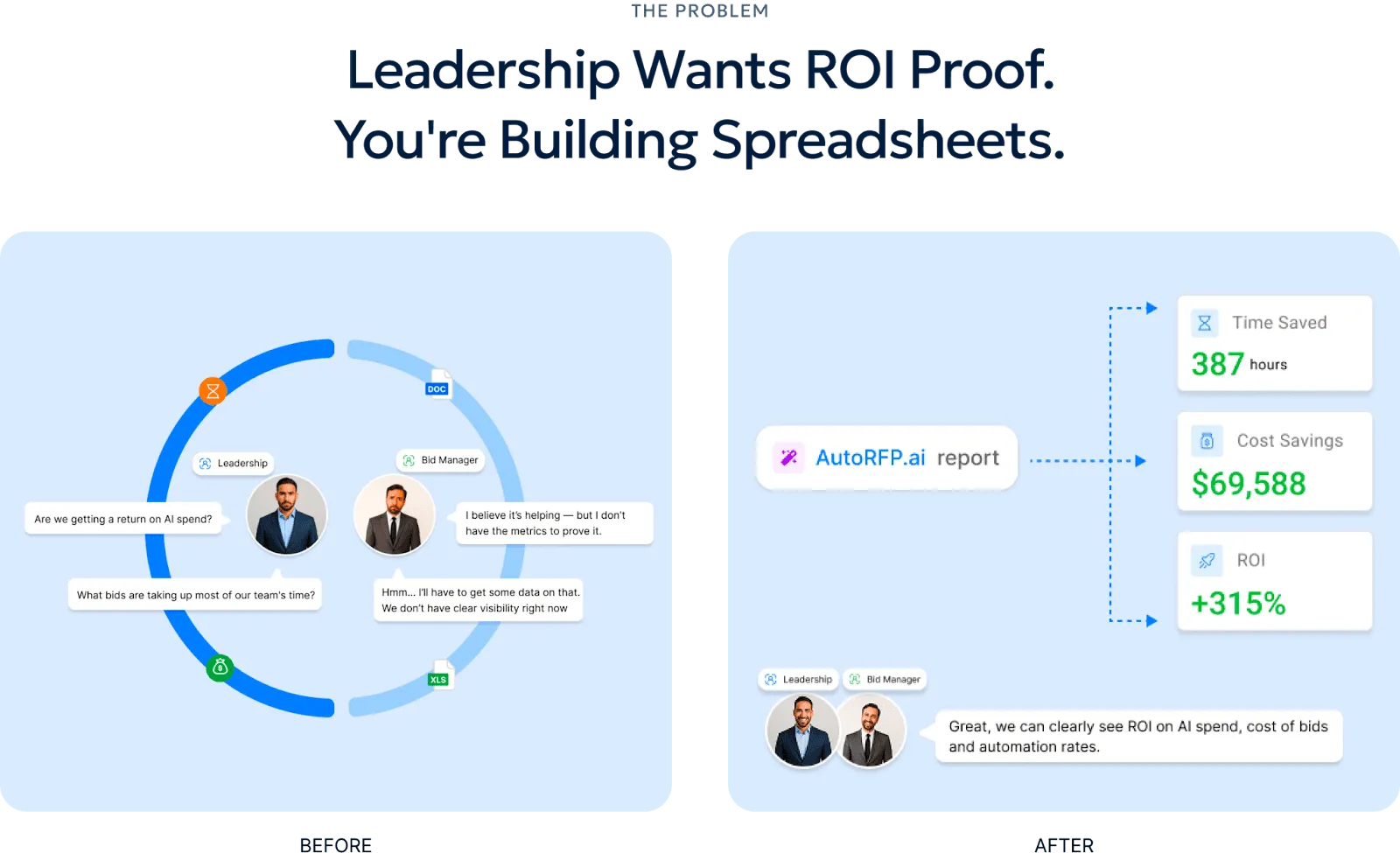
AutoRFP.ai’s ROI Report automatically tracks automation rates, cost savings, and team efficiency across completed projects so you can measure impact clearly.
6. RFP Gap Analysis Report
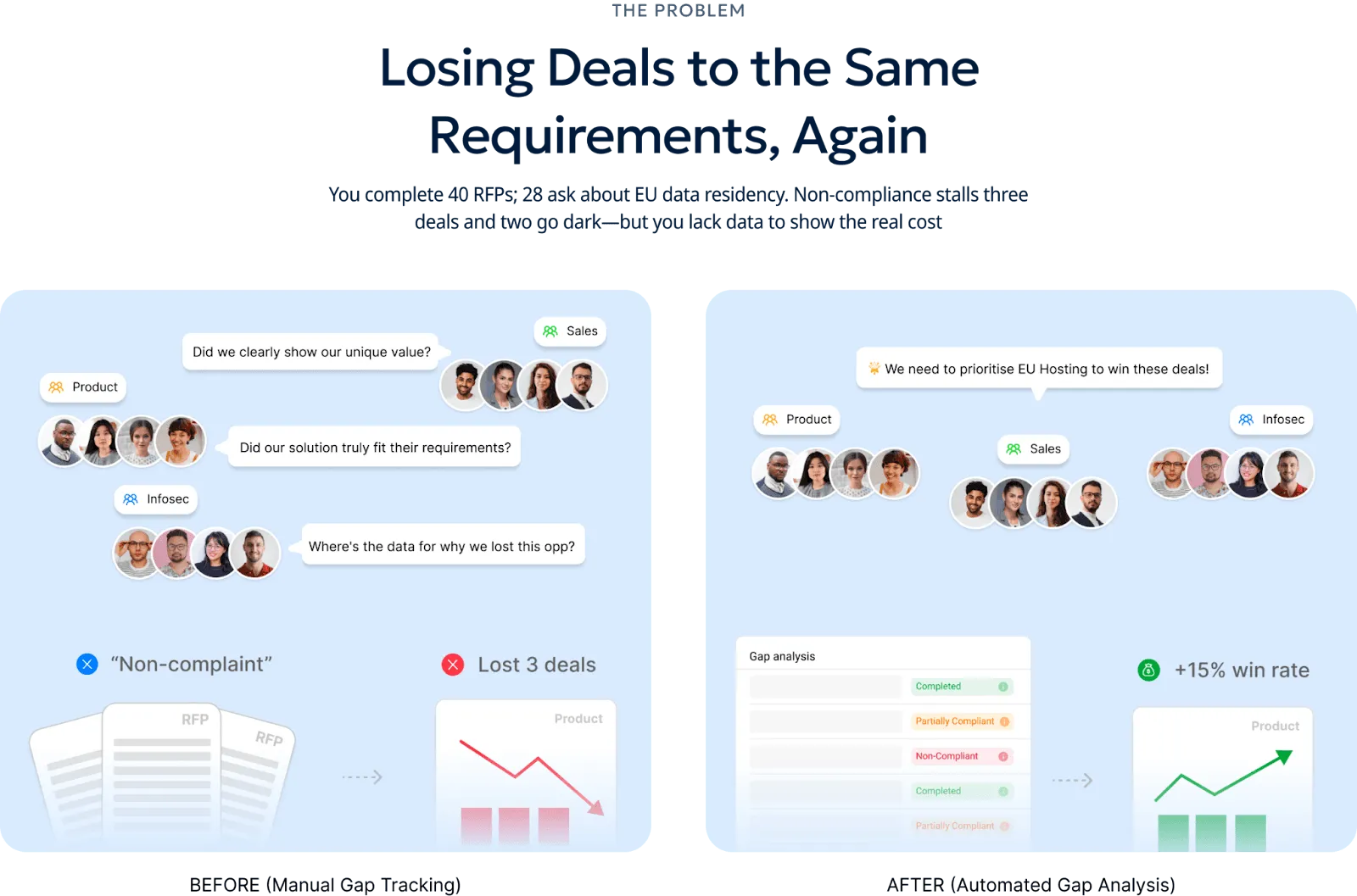
The RFP Gap Analysis Report helps you uncover recurring requirement gaps that may be costing you deals, without digging through old responses or building manual spreadsheets.
Pricing
| Plan | Monthly Cost | Key Inclusions |
|---|---|---|
| Scale | $899 | Unlimited AI responses, users, content, and integrations |
| Accelerate | $1,299 | Everything in Scale, plus advanced analytics and priority support |
| Enterprise | Custom | Custom integrations, a dedicated success manager, and tailored security and compliance features with SSO |
AutoRFP.ai includes a 30-day money-back guarantee, personalized onboarding, and tailored training for a fast launch. All plans include unlimited users, no per-seat fees, and setup in as little as 48 hours.
Where AutoRFP.ai Shines
Go/no-go risk scan: Check each RFP against go/no-go rules up front to spot high-risk or unworkable requirements early.
Ask-a-bot answers: Get a sourced answer in seconds from one question, right inside Slack or Teams.
Drop in any RFP: Upload Word, Excel, or PDF files, and AutoRFP.ai extracts requirements and context for a fast AI first pass. Export back in two clicks with formatting, formulas, dropdowns, and macros preserved.
RFP project management: Track progress in one dashboard, see who is stuck, send reminders, and keep SMEs accountable. No more spreadsheets, email chains, or daily status meetings.
Where AutoRFP.ai Falls Short
- Not a great fit for AEC, US GovCon/defense, custom software development, and highly bespoke professional services: Responses in these sectors are often too specialized to follow repeatable patterns.
Customer Reviews
Saxon W., Senior Workforce Management Consultant, wrote on Capterra that, “Without AutoRFP, I simply wouldn’t have the time to complete RFPs regularly. It saves an exceptional amount of time. The responses are infinitely better than other systems on the market because AutoRFP understands context. Most systems I’ve used just regurgitate irrelevant answers from previous RFPs. Setup was painless. The team actively works with its customers and continues to innovate.”
In a Reddit discussion thread about buying an RFP tool, a user shared that “AutoRFP.ai was a solid option, nice enough UI, easy to project manage, and decent support. It also seemed to be significantly cheaper than competitors like Loopio and Responsive when we were shopping last year”.
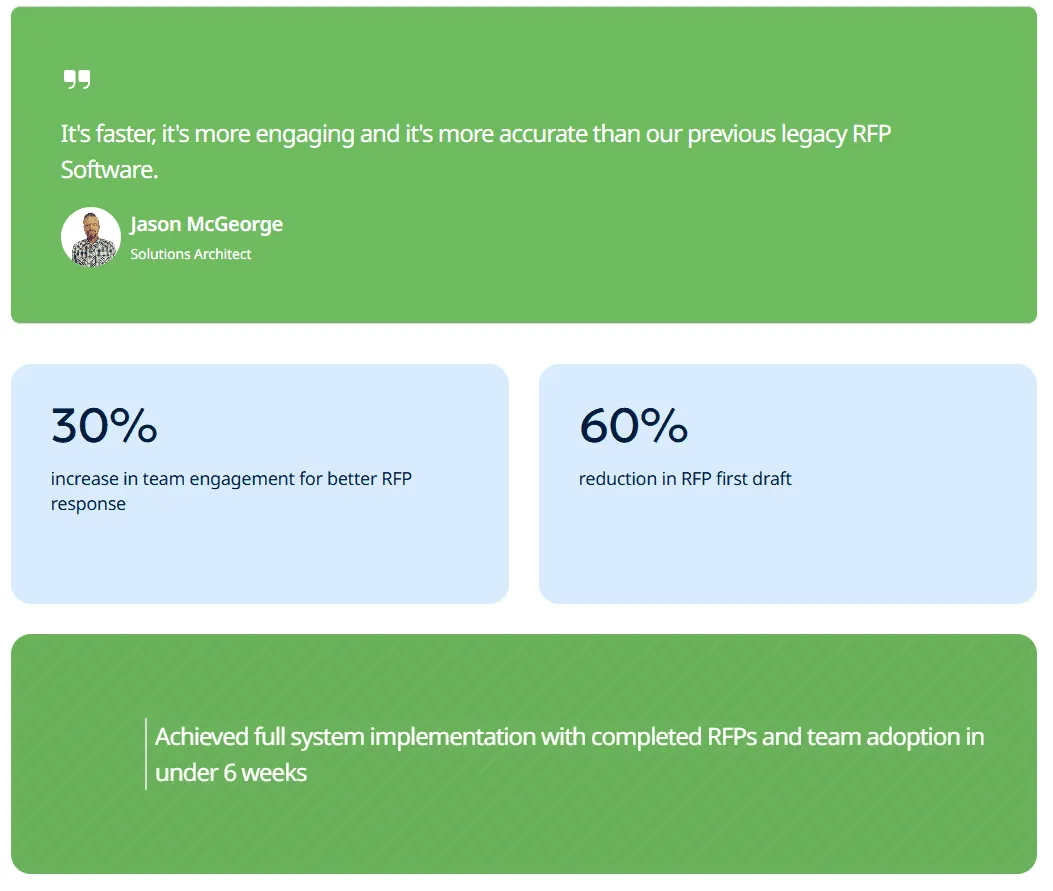
Jason McGeorge, Solutions Architect at ecoPortal, said, “It’s faster, more engaging, and more accurate than our previous legacy RFP software.”
Who AutoRFP.ai Is Best For
Mid-to-large B2B SaaS teams: Great for enterprise RFPs, DDQs, and SQs that need fast, consistent first drafts.
Enterprise deal teams: Helps RFP managers, pre-sales engineers, and enterprise AEs coordinate SME-heavy responses.
Financial services teams: Works well for managed funds, insurers, and asset managers handling high-stakes DDQs and security reviews.
Regulated teams: Strong fit for healthcare, fintech, and cybersecurity companies answering strict compliance and security questions.


Video transcript
Transcript is auto-generated and may contain minor errors.
Hey, I'm Rob from autoRFP.ai. What is autoRFP.ai? Well, autoRFP.ai is an AI software as a service or SaaS application that does AI for proposal or RFP responses. That includes RFIs, like request for informations, includes due diligence questionnaires or DDQs, and includes security questionnaires. So, you can find all about us at autoRFP.ai. So, we're a technology company. We have offices all across the globe including Brisbane, Australia, Vancouver as well. And effectively, our tool allows, whether it be bid managers, sales people, proposal writers, RevOps team members, sales leadership, answer complicated request for proposals. So, what is a request for proposal? You can see one of our other videos below in the description. But effectively, our system
looks something like this. And it lets team members, and you can have unlimited number of people log in to autoRFP.ai, good product, allows people to go in, create projects, which would be for instance an RFP. I can go in here, create my information from my zip file, and that includes, you know, like an Excel spreadsheet, PDF, Word doc. We can run an AI go no go project analysis on the RFP. And then effectively from that, we can bring in all the information in terms of what are the questions, where our AI automatically scans the documents and figures out what is being asked of the RFP, whether it's multiple tabs in an Excel spreadsheet and everything else, whether it's drop-downs. And that all happens automatically through the power of AI. Then, we generate our response, and we can do it in in 40 plus different languages and adding languages all the time. Once you've imported your RFP into order rfp.ai,
you can collaborate with your team members assigning different people to answer the questions, review the questions, looking at an overview of the entire project and project managing due dates. Now AI effectively starts automatically answering those different questions based on your knowledge documentation. So that might be your website, your help docs, your technical documentation, your past RFP answers or security questionnaires, your security policies. But effectively all that different company information you import into order RFP and then our AI leverages that to create an AI first draft of an RFP response. Once we're happy with all those requests, we can approve it. That goes into the model to learn from and add to. So your current responses are automatically used for new responses and then you can export that as well. And then the final cool thing about order RFP is you have a lot of different
integrations that you can pull in, whether it's knowledge documentation from places like Notion, Google Drive and so on. So that's order RFP. We're an AI SaaS app. Uh you can host globally. We do not use customer data for training purposes or to send it back to LLMs. So we're secure and private. We have our ISO 2701 certificate and our SOC 2 certificate and then you can find up-to-date pricing and information on our website. Or if you came to learn more, you can book a demo and schedule time with our team. Thanks.
2. Loopio
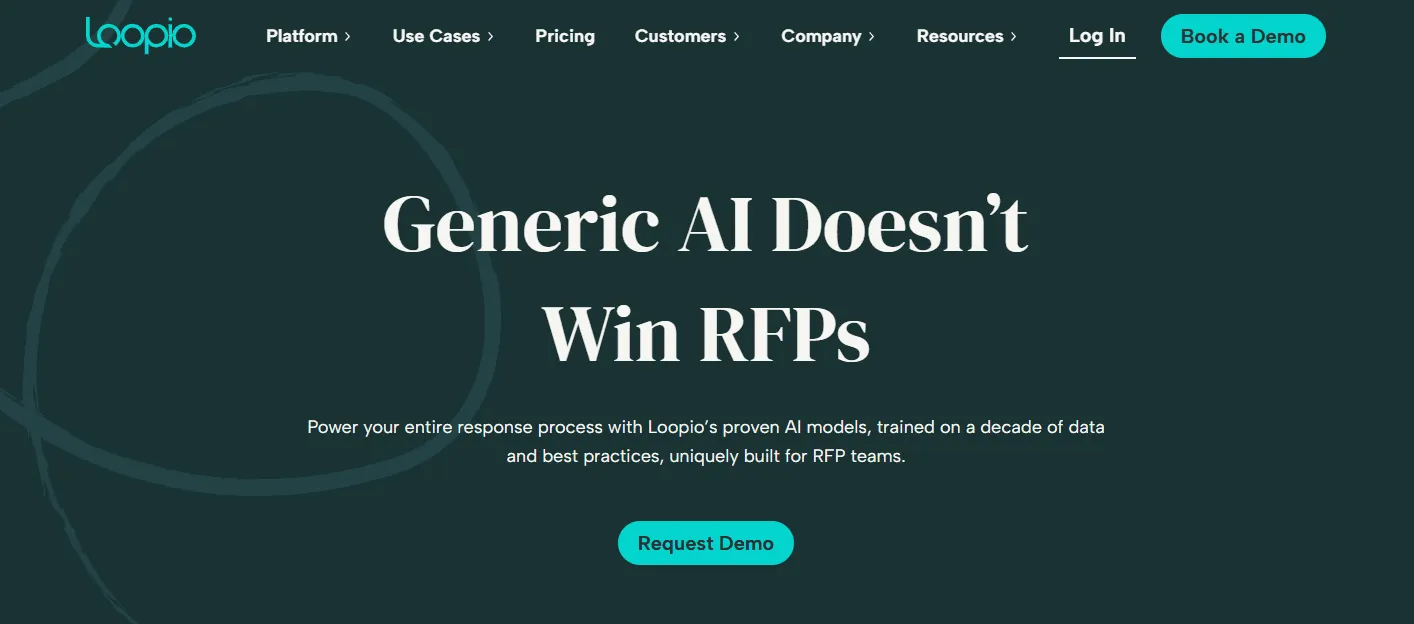
Loopio is response management software for teams that handle RFPs, RFIs, DDQs, and security questionnaires, with a centralized library for approved answers and team collaboration. It is built to help proposal, sales, and security teams respond faster with reusable content, workflow tracking, and AI-assisted response support.
Key Features
AI-powered answer support: Drafts responses using your approved content and admin-controlled AI settings.
Centralized content library: Stores reusable answers to improve consistency and speed across responses.
Pricing
| Plan | Monthly Cost |
|---|---|
| Foundations | $20,000/year |
| Enhanced | Contact sales |
| Enterprise | Contact sales |
Where Loopio Shines
Ease of use: Reviewers often highlight the platform as intuitive and easy to train teams on.
Collaboration across teams: Works well for involving SMEs and multiple reviewers in one response workflow.
Where Loopio Falls Short
Export and formatting issues: Users frequently report cleanup issues after export, especially with Word and Excel outputs.
Formatting friction on complex files: Reviewers cite formatting problems with complex document types and tables.
Performance slowdowns: Delays can show up when loading suggestions or navigating larger projects.
Ongoing library upkeep: Maintaining accuracy in the library can feel tedious without strong content governance.
Customer Reviews
Ankit J., Sr Proposal Specialist, said in a Capterra review that, “Overall experience was good but not excellent. Few functionalities like interface and database handling were good, but export functionality and template handling are a bit of a problem.”
Trena P., President, said, “If you have graphics in your proposals, this is not the product for you. As an IT firm, we use a lot of graphics to explain our solution. I asked about the graphics during the demo, and it was never indicated to me that graphics would have to be converted to a picture and uploaded. I don’t feel like the demo was an honest representation of the product. I tried to work with the product but never found a workaround.”
Who Loopio Is Best For
Proposal and bid teams: Handling recurring RFPs and RFIs with a reusable answer library.
Sales and revenue teams: Need structured collaboration with SMEs and faster turnaround.
3. Responsive (Previously RFPIO)
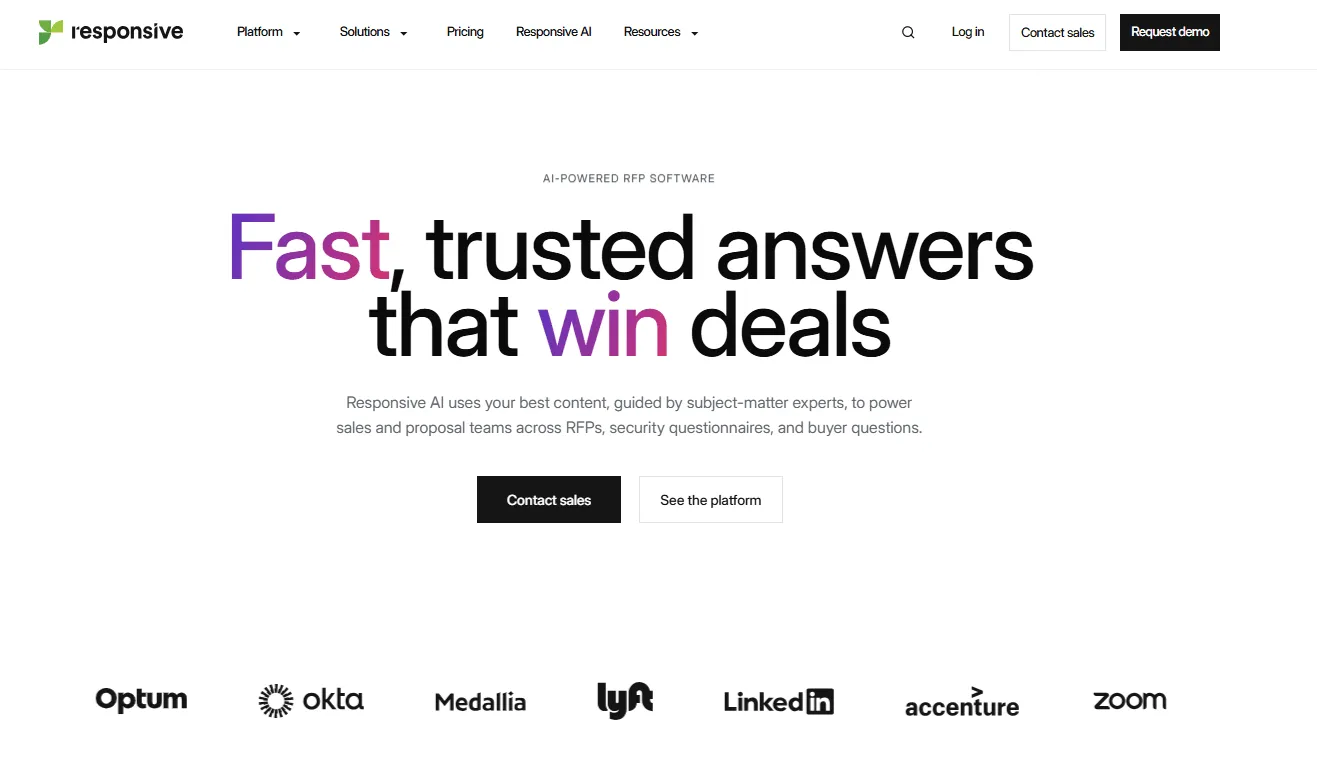
Responsive is a strategic response management platform for RFPs, RFIs, DDQs, and security questionnaires, built around AI-assisted drafting, a centralized answer library, and cross-team workflow management.
Key Features
AI-powered response support: Drafts and guides answers with AI while keeping teams in control of approved content and review workflows.
Integrations and ecosystem fit: Connects with CRMs, cloud storage, and productivity tools.
Pricing
| Plan | Monthly Cost |
|---|---|
| Lite Edition | Contact sales |
| Emerging Edition | Contact sales |
| Growth Edition | Contact sales |
| Enterprise Edition | Contact sales |
Where Responsive Shines
- Strong collaboration workflows: Supports complex, deadline-driven projects with clear ownership and progress tracking.
Where Responsive Falls Short
Search precision can vary: Some users report trouble finding specific library content.
Dashboard usability is mixed: Feedback suggests room to improve reporting and dashboard experience.
Quote-based pricing limits clarity: Buyers need a sales call before comparing costs. See our Iris pricing breakdown for how the active-user quote model works.
Feature depth increases onboarding needs: Teams may need stronger setup and library discipline to get full value.
Customer Reviews
Brian Z., Sr RFP Manager, said, “Hundreds of hours saved in responding to questionnaires and RFPs. RFPIO offers very competitive cost savings over most of the larger RFP software providers. The same functionality at a fraction of the cost of the big guys. Customer support is top-notch. All questions or requests for help are addressed within the same day, or within 24 hours at most. Great, direct support from the management team. No call centers and no outsourced product support. You get assistance from people who helped build the product.”
Nelson N., Sr Solutions Consultant, did not like the tool, saying, “The search is terrible. It constantly misidentifies what I’m searching for and shows completely unrelated results. Searching for answers is our main use case for this tool, and it fails pretty miserably. I waste a lot of time in Responsive looking for things that should be straightforward. It’s always a crapshoot importing documents. A lot of the time, it messes up identifying the right questions and answers, and I’ve lost track of how many times the answers get exported to the wrong cell.”
Who Responsive Is Best For
Proposal and bid operations: Handling high volumes of RFPs/RFIs with multi-reviewer workflows and tight deadlines.
Security and compliance functions: Managing DDQs and security questionnaires with AI drafting plus governance over approved responses.
4. Qvidian
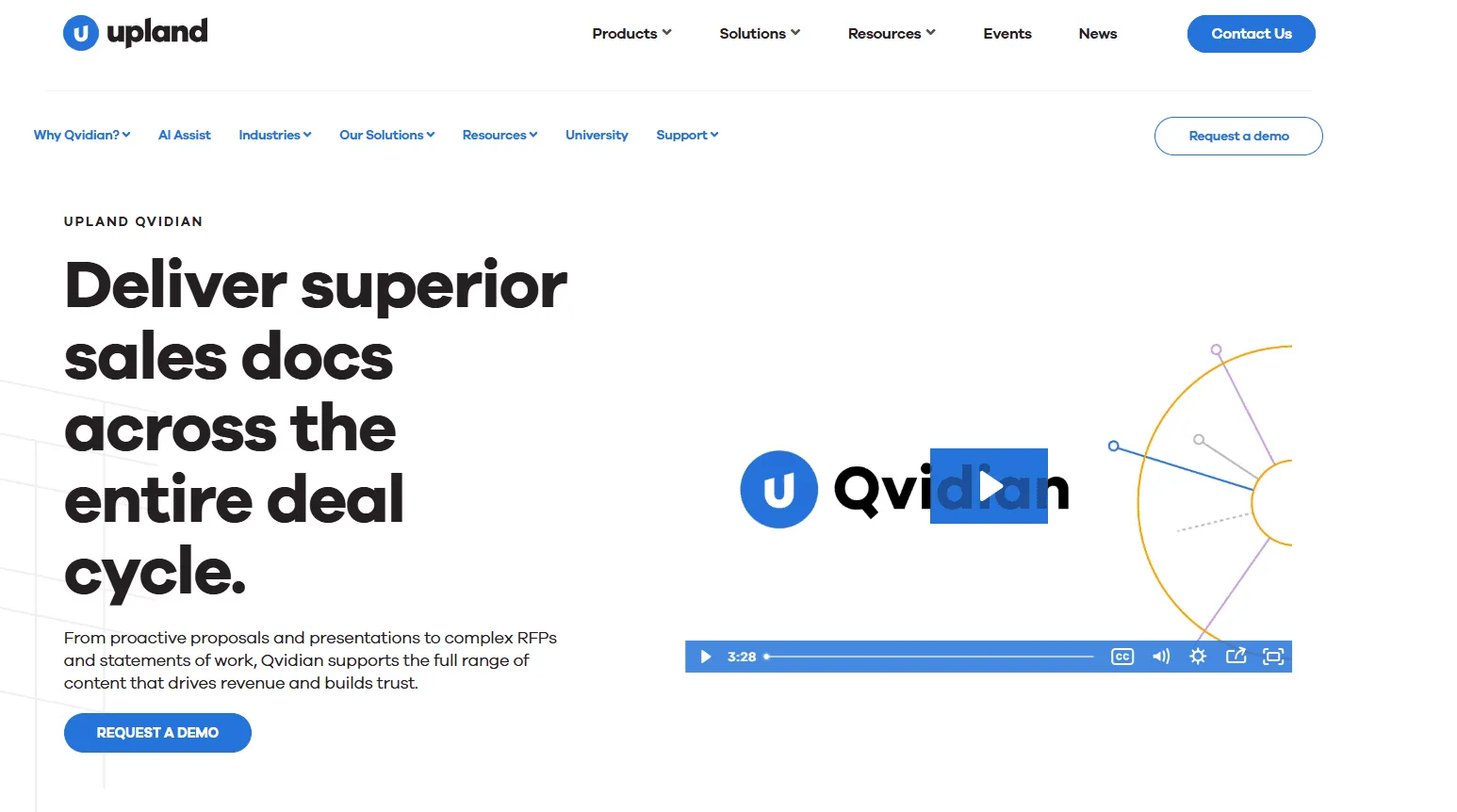
Qvidian is Upland’s AI-powered proposal and RFP response platform, built for teams that need to manage content, collaborate across reviewers, and deliver polished responses faster.
Key Features
Microsoft Office integration: Answer and update content directly in Word and Excel workflows.
Content library management: Centralizes approved answers for reuse across RFPs and proposals.
Pricing
- Qvidian’s pricing isn’t publicly listed, so you’ll need to contact Upland’s sales team for a quote.
Where Qvidian Shines
Ease of use: Review summaries frequently highlight usability and faster day-to-day work.
Content management: Strong library and search workflows for storing and reusing proposal content.
Where Qvidian Falls Short
Interface intuition: Some users say navigation feels less intuitive than newer tools.
Performance speed: Reviewers mention slowdowns and too many clicks in some workflows.
Pricing accessibility: Cost comes up as a concern, especially for smaller teams.
Complexity and training load: Robust features can make onboarding and full adoption harder.
Content maintenance effort: Keeping the library clean and updated can be time-consuming.
Customer Reviews
Ryan L., a Capterra reviewer, said, “I have been using Qvidian for over a year now, and it is essential in performing my day-to-day tasks. We fill out questionnaires for requests for proposals, and without Qvidian, populating these questionnaires would take much more time. At times, Qvidian can be slow, but other than that, I find it more and more useful as time goes on.”
Kartikk M., Senior Manager - Sales Operations, shared his thoughts, saying, “A lot of human intervention is needed in order to fully utilize all features and functionalities of this tool.”
Who Qvidian Is Best For
Proposal and bid operations: Handling recurring RFPs and proposal workflows with reusable content.
Enterprise sales teams: Responding at scale with approval controls and consistent messaging.
5. 1up
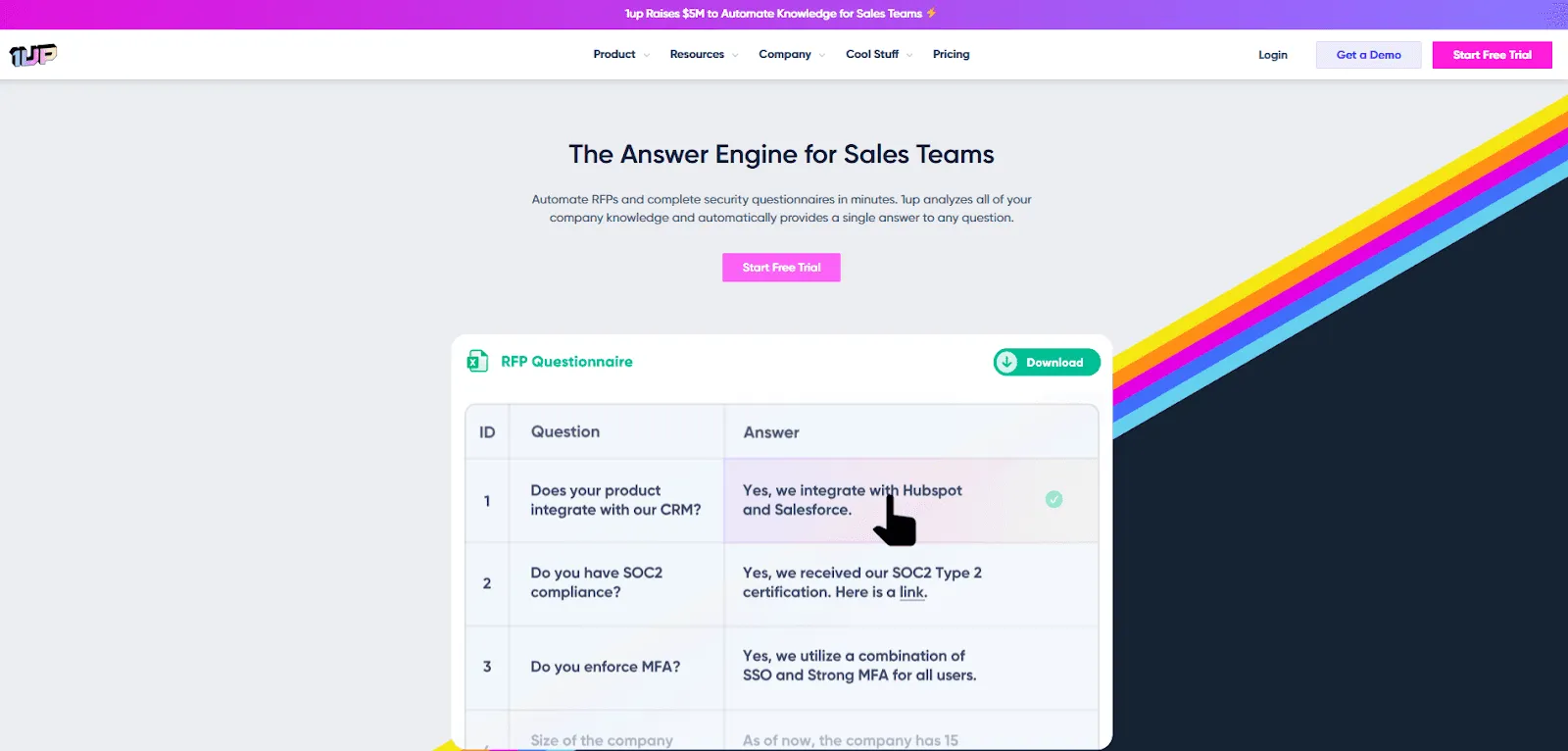
1up is an AI-first RFP platform for quick proof of value with a free trial and a lightweight, self-serve onboarding model, which makes it easier to test and deploy fast.
For those still weighing their options, reviewing other 1up RFP Alternatives can help ensure you select a tool that scales with your response volume.
Key Features
AI answer generation: Auto-generates responses for RFPs from connected knowledge sources.
Knowledge source connections: Pulls from websites, docs, and tools like Google Drive, Confluence, and Notion.
Pricing
| Plan | Monthly Cost |
|---|---|
| Starter | $300/month |
| Plus | $600/month |
| Pro | $1,000/month |
| Enterprise | Contact sales |
Where 1up Shines
Fast time to value: Upload content, connect sources, and start generating usable answers quickly.
Strong for repetitive questionnaires: Works especially well for standard RFP sections and security questionnaires.
Where 1up Falls Short
Feature maturity: Some users note that some features are still evolving.
Less ideal for complex workflows: Simpler setup can be a tradeoff for teams needing deeper governance or enterprise workflow controls.
Review volume is smaller: Fewer reviews than legacy platforms, so buyer validation depth is still growing.
Customer Reviews
One Reddit commenter put it simply, “1up is cheap (like half the price of the other ones), so if you’re on a strict shoestring budget, your decision is made for you. Overall, though, I think it’s a ‘you get what you pay for’ type of situation in the space.”
Someone else in the same Reddit thread shared, “It occasionally skips questions it can’t answer. It also doesn’t have all the project management capabilities I’ve seen in other tools.”
Who 1up Is Best For
Sales and proposal teams: Handling repetitive RFPs and customer questionnaires with speed as the priority.
Smaller or lean teams: Testing AI response automation quickly without a heavy implementation project.
Need options beyond this list? Arphie alternatives deliver faster RFP automation with better SME tracking.
Reasons to Consider an Alternative to Iris AI
Here’s why teams start looking for alternatives to Iris AI:
1. Limited Feature Set
Some users feel Iris AI has a limited feature set, which can reduce flexibility for teams that need more than basic AI answer generation.
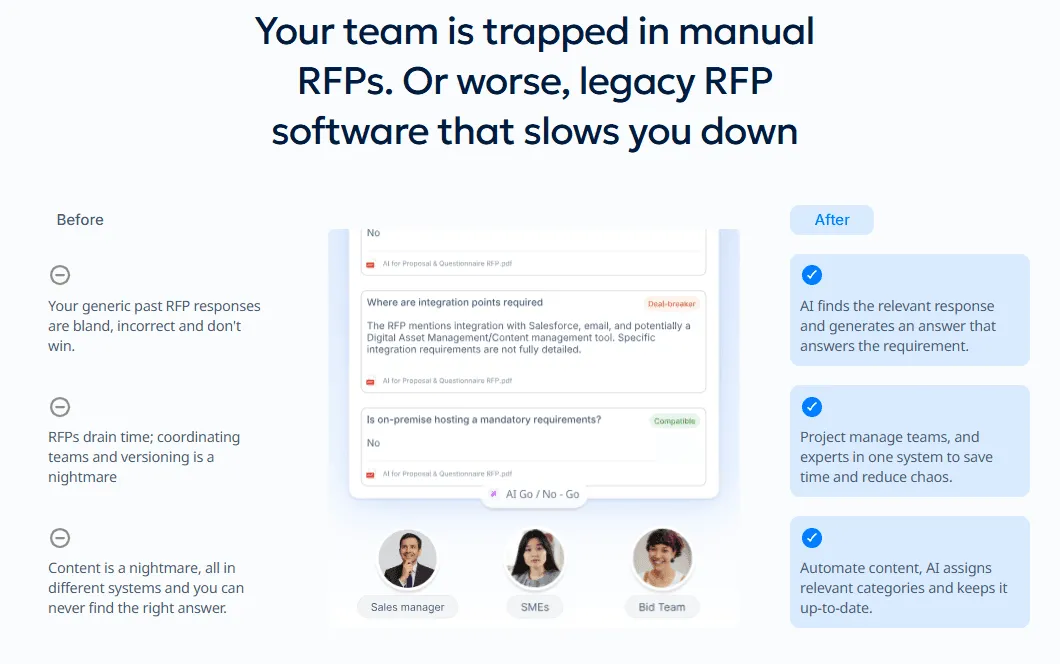
AutoRFP.ai gives you more than core response drafting, including an AI Q&A bot, go/no-go analysis, RFP gap analysis, portal answering, reporting, and integrations that support your full workflow.
2. Accuracy Concerns
Users have also raised concerns about response accuracy, especially when tools rely too heavily on exact keyword matches instead of understanding context.
Meanwhile, AutoRFP.ai improves this with semantic search, so it finds meaning-based and conceptually related content, which helps you generate more accurate answers faster.

3. Manual Library Upkeep
Another common issue is library upkeep, where teams have to spend time manually organizing and maintaining content libraries.
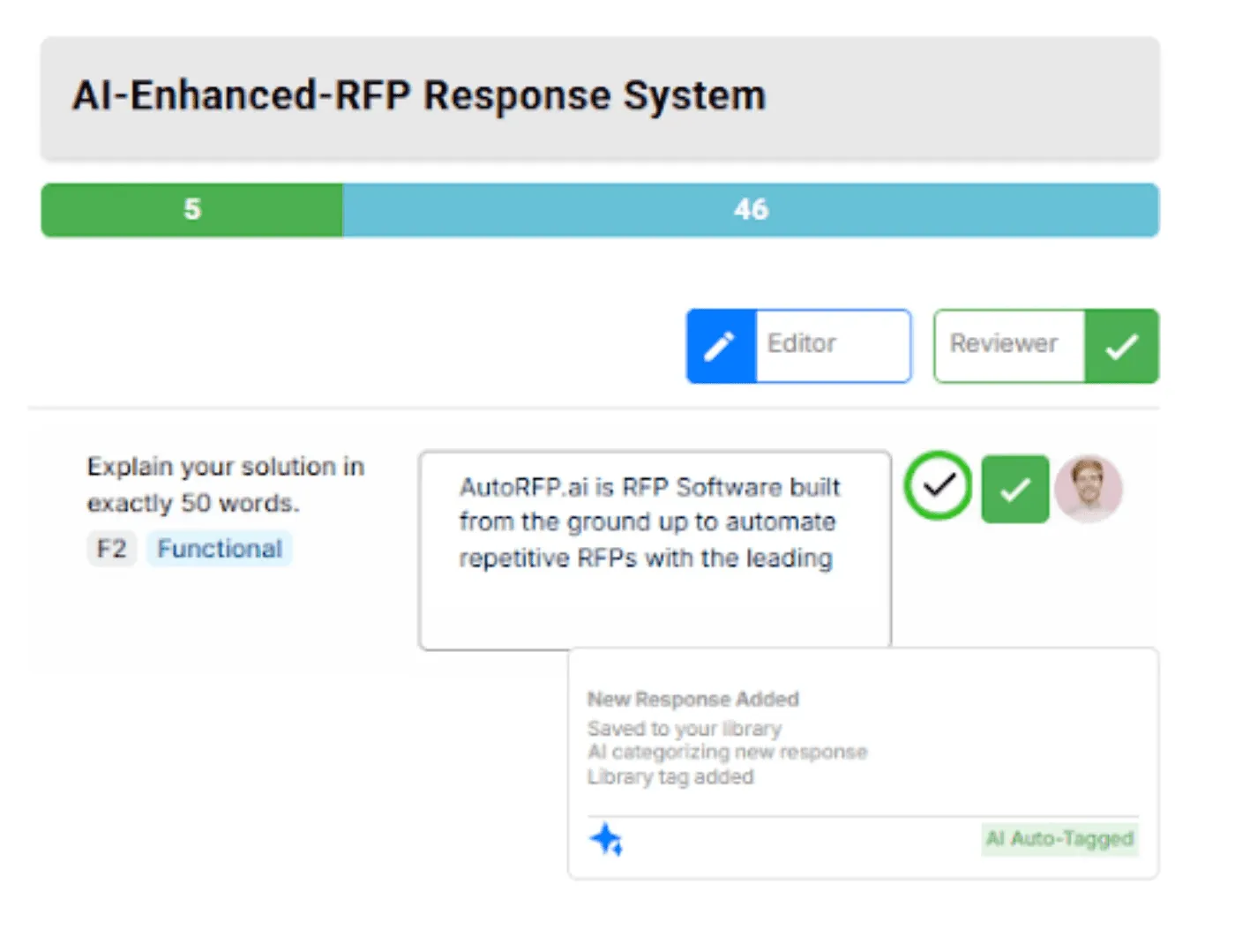
AutoRFP.ai builds on the library and approved content your team already trusts. Approved responses are captured for reuse, connected-source updates help keep knowledge current, and content owners control organization, review, and approval.
4. Integration Limitations
Some teams also run into integration limitations, where a tool supports only a few platforms and misses key systems used in daily work.
AutoRFP.ai is a stronger fit for modern teams because it supports broader integrations (16+) across tools like Google Drive, Confluence, Slack, Microsoft tools, and Salesforce.
Automate Your RFP Responses and Win More Deals with AutoRFP.ai
Every RFP team reaches a point where “good enough” automation starts costing real time and real revenue. If Iris AI no longer matches your response volume, review process, or quality bar, this is your signal to move. Choose a platform that supports how your team wins, then schedule a demo with AutoRFP.ai.
About the author

Co-founder & CEO
Co-founder and CEO of AutoRFP.ai. Spent 7 years running global RFPs and personally completed 500+ RFPs before founding the company.
LinkedIn
